
Declarative JSX Syntax
Write dashboards using familiar React patterns. No more clicking through the Grafana UI.

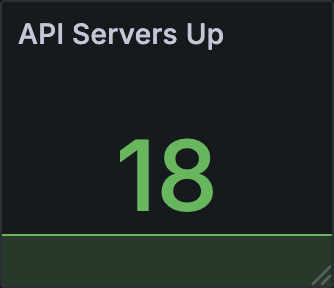
Declarative JSX Syntax
Write dashboards using familiar React patterns. No more clicking through the Grafana UI.
Component Composition
Create reusable dashboard components. Share patterns across teams.
Type Safety
Full TypeScript support with comprehensive types for all Grafana panel options.
Zero Runtime
Compiles to static JSON. No React dependencies in your Grafana instance.
import { Dashboard, Row, Stat, Variable } from 'grafana-react';
export default function MyDashboard() {  return (    <Dashboard uid="my-dashboard" title="My Dashboard" datasource="prometheus">      <Variable name="instance">label_values(up, instance)</Variable>
      <Row title="Summary">        <Stat          title="CPU %"          unit="percent"          thresholds={{ 70: 'yellow', 90: 'red' }}        >          100 - avg(rate(cpu_idle[$__rate_interval])) * 100        </Stat>      </Row>    </Dashboard>  );}
Then build to JSON using the CLI:
npx grafana-react build my-dashboard.tsx output/my-dashboard.jsonOr programmatically with renderToString:
import React from 'react';import { renderToString } from 'grafana-react';
// Use the JSON string directly, e.g. add as a ConfigMap with Pulumiconst json = renderToString(React.createElement(MyDashboard));